



















AWS Cloud Architecture for Startups in 2026: Choosing Services That Scale Without Wrecking Your Budget
Introduction
Almost every founder we talk to has already decided to use AWS before they've decided what on AWS. That's not unreasonable — AWS is the safe, well-documented default, and there's real value in not having to defend that choice to investors or future hires. The problem starts after that decision, in the gap between "we're using AWS" and "we've architected our infrastructure correctly."
That gap is where most startup cloud bills go sideways. Industry estimates consistently put 30–40% of cloud spend as wasted on unused or misallocated resources, and early-stage teams are particularly exposed because nobody on a five-person engineering team has the bandwidth to babysit infrastructure the way a dedicated platform team would. The good news is that the fixes are mostly architectural decisions made once, early, rather than ongoing vigilance — and that's the version of this conversation we want to have with you here.
Why "Just Use AWS" Isn't a Strategy
AWS now offers over 200 distinct services, and a meaningful chunk of the early conversations we have with startup founders involve walking back a tendency to over-provision "just in case." A founder who's read that Netflix runs on AWS sometimes assumes they need Netflix-shaped infrastructure from day one. They don't. They need infrastructure that fits their actual current traffic pattern, with room to scale without a painful re-architecture later.
The right framing is this: pick managed services over self-managed infrastructure wherever your team's time is more valuable than the service's premium. Running your own database on a raw EC2 instance instead of using RDS doesn't save meaningful money at startup scale — it just means your small team is now responsible for backups, patching, and failover that AWS would otherwise handle for a modest service fee. That trade almost never favours the self-managed route until you're at a scale where dedicated infrastructure engineers are already on staff.
Compute: EC2 vs Lambda vs Fargate, Decided Properly
This is the single most common architecture question we get, and the honest answer is "it depends on your traffic shape," followed immediately by specifics, because vague answers don't help anyone ship.
- Choose AWS Lambda when: your workload is event-driven (triggered by an upload, a webhook, a scheduled job) and execution completes within Lambda's 15-minute ceiling. For genuinely variable or unpredictable traffic, Lambda's pay-per-invocation model is dramatically cheaper than keeping a server running 24/7 for traffic that might not show up. A typical API handling around a million requests a month with brief execution times can run on Lambda for a fraction of what an always-on EC2 instance of comparable capacity would cost.
- Choose EC2 when: you need persistent processes, full operating-system-level control, or you're running workloads that don't map cleanly onto stateless execution — long-running data jobs, certain monolithic legacy applications, or services with consistently high, steady throughput where hourly billing genuinely beats per-invocation billing.
- Choose Fargate when: you're running containerised workloads and want the operational simplicity of not managing the underlying EC2 instances yourself. Fargate Spot, specifically, can deliver substantial savings for fault-tolerant containerised workloads that can tolerate occasional interruption — background processing, batch jobs, anything that isn't user-facing in real time.
In practice, most production architectures we build use a combination: EC2 or Fargate for the persistent application core, with Lambda handling the event-driven edges — webhooks, scheduled jobs, file processing, notification dispatch.
Database Choices That Don't Bite You Later
For the overwhelming majority of startup products — SaaS platforms, eCommerce backends, CRM systems — a relational database is the right starting point, and Amazon RDS (supporting MySQL, PostgreSQL, and other engines) removes the operational burden of running one yourself: automated backups, patching, and multi-availability-zone failover happen without your team lifting a finger.
When you genuinely outgrow standard RDS throughput — and most startups should resist assuming this happens sooner than it does — Amazon Aurora offers a cloud-native, MySQL and PostgreSQL-compatible engine built for meaningfully higher throughput at a lower cost than equivalent commercial database engines.
DynamoDB and similar NoSQL options earn their place for specific patterns: high-velocity, simple-key-lookup workloads, or data that genuinely doesn't fit a relational schema well. They're not, despite some of the hype around them, a default replacement for a relational database in a typical business application — using them as one tends to create more problems (consistency, query flexibility) than it solves.
The Cost Mistakes That Quietly Drain Startup Runway
A few patterns we see repeatedly when we audit a startup's existing AWS account:
- Over-provisioned instances running 24/7 for traffic that isn't 24/7. A B2B SaaS product with primarily weekday, business-hours usage doesn't need the same instance count overnight or on weekends. Scheduled Auto Scaling — running fewer instances outside business hours — can meaningfully cut compute costs for exactly this traffic pattern without touching code.
- No reserved pricing on predictable workloads. On-demand pricing is the right default while you're still learning your traffic shape, but once a workload's baseline usage becomes predictable, Reserved Instances or Savings Plans can cut costs significantly compared to staying on-demand indefinitely out of inertia.
- Memory allocation mismatched to actual Lambda usage. Lambda bills for allocated memory, not used memory, and memory allocation also determines CPU performance — meaning under-provisioning can paradoxically increase total cost by making functions run longer, while over-provisioning wastes money outright. This is worth profiling deliberately rather than guessing.
- No cost monitoring until the bill arrives. CloudWatch billing alarms cost essentially nothing to set up and catch runaway resources — a forgotten test instance, a misconfigured auto-scaling group — before they've burned through a month's budget rather than after.
- Treating every workload as needing multi-AZ redundancy. Production-critical paths genuinely need multi-availability-zone deployment for reliability. Development, staging, and non-critical batch workloads frequently don't, and running them single-AZ is a legitimate, meaningful cost saving rather than a corner-cut.
A Reference Architecture for a Typical SaaS or eCommerce Startup
While every product is different, here's roughly what we'd specify as a sensible starting architecture for a typical early-stage SaaS or eCommerce platform in 2026:
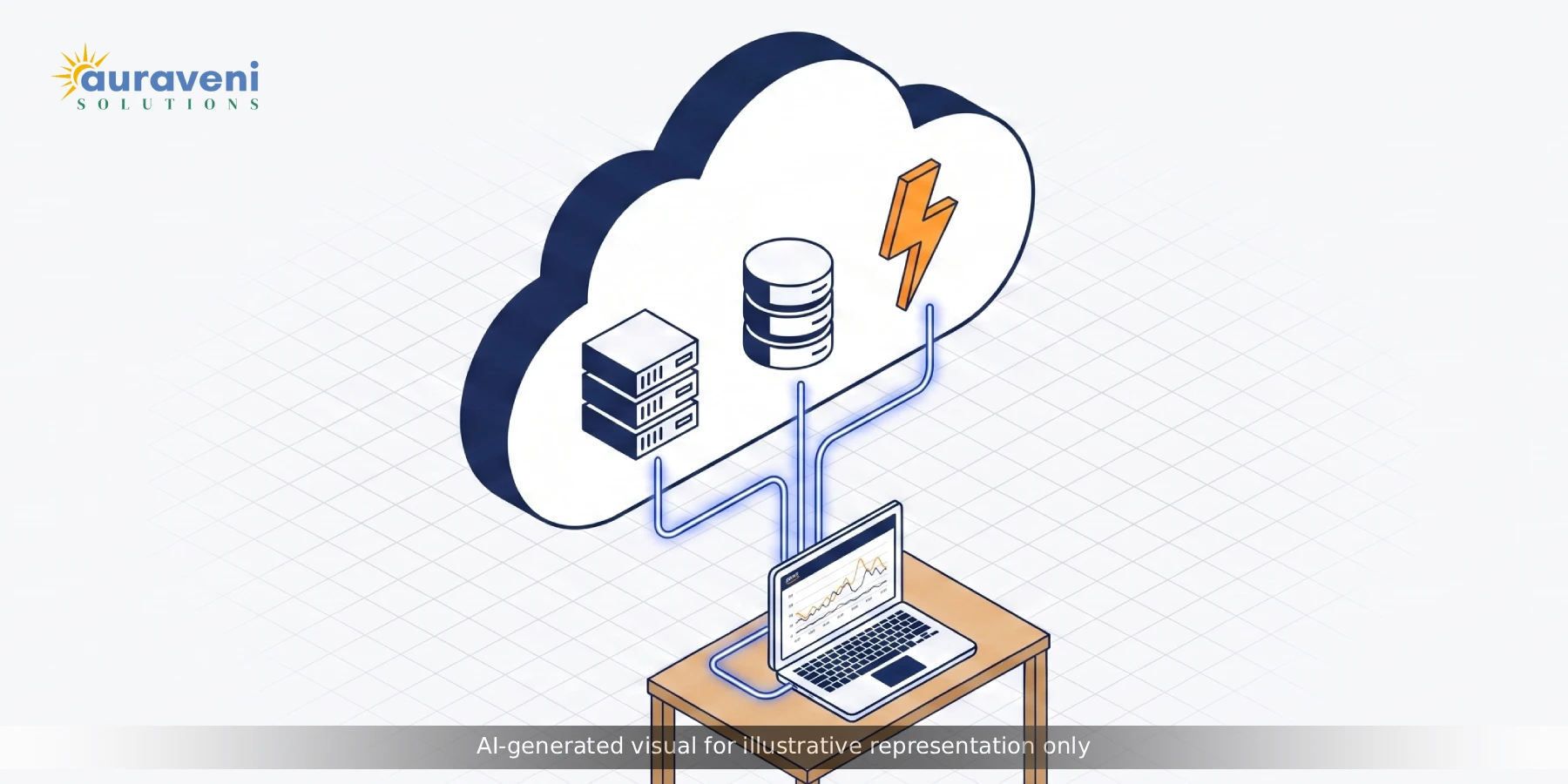
- Compute: Fargate or EC2 (right-sized, with Auto Scaling configured from day one) for the core application, Lambda for webhooks, scheduled jobs, and notification dispatch
- Database: RDS PostgreSQL or MySQL for transactional data, with automated backups and a clear migration path to Aurora if throughput demands grow
- Storage: S3 for user uploads, static assets, and backups — durable, cheap, and integrates natively with nearly everything else in the stack
- CDN: CloudFront in front of S3 and your application for global latency reduction, particularly important if you're serving customers across India, the US, UK, and Australia from a single region
- Monitoring: CloudWatch from day one, with billing alarms configured before you need them, not after a surprise invoice
- Security baseline: IAM roles following least-privilege principles from the start — retrofitting proper access control after a system is live is significantly harder than building it in from the first deployment
When to Bring in AWS-Certified Help (and When Not To)
Plenty of early-stage products genuinely don't need a dedicated cloud architect — a competent full-stack team following sensible defaults (managed services over self-managed, right-sized instances, monitoring from day one) covers most early needs perfectly well.
The signal that it's time to bring in deeper AWS architecture expertise is usually one of: your AWS bill has started surprising you month over month without a corresponding traffic explanation, you're planning a specific scaling event (a funding-driven growth push, a major client onboarding with strict uptime requirements) that your current architecture hasn't been stress-tested for, or you're considering a multi-region or compliance-driven architecture change (data residency requirements, for instance) that has real cost and complexity implications if designed incorrectly.
A Note on Multi-Region Architecture for Startups Serving Global Clients
For agencies and startups serving clients across multiple geographies — India, the US, UK, and Australia, for instance — there's a temptation to assume multi-region AWS deployment is necessary from the start, "to be safe" or "to feel global." In practice, this is almost always premature for an early-stage product, and it adds real ongoing complexity: cross-region data replication, latency-aware routing, and a meaningfully harder compliance story if any of those regions has data residency requirements that conflict with where you're actually storing data.
A single, well-chosen region with CloudFront handling edge caching and latency reduction covers the actual user experience needs of most early-stage products surprisingly well — CloudFront's edge locations span the globe regardless of which single AWS region your origin servers sit in, so users in Sydney or London still get reasonably fast load times even if your database lives in Mumbai or Singapore. Multi-region deployment earns its complexity once you have a specific, named reason for it: a contractual uptime SLA that genuinely requires regional failover, a data residency law that requires customer data to physically stay within a specific country's borders, or traffic volume large enough that single-region latency is measurably hurting conversion. Building multi-region redundancy before any of those triggers exist is solving a problem you don't have yet, at the cost of ongoing operational complexity you'll definitely have.
Migration Considerations if You're Moving From Another Provider or From Shared Hosting
A reasonable number of the AWS architecture conversations we have aren't greenfield builds — they're migrations, usually from shared hosting or a smaller VPS provider that a product has simply outgrown. A few things worth flagging if that's your situation: plan the database migration with a proper cutover window and a tested rollback plan, rather than assuming a live migration will go smoothly on the first attempt. Run your new AWS environment in parallel with your existing setup for long enough to validate real production traffic against it before fully cutting over DNS. And budget realistic time for DNS propagation and a monitoring period immediately after cutover — the actual migration is rarely the risky part; the days immediately following it, when traffic is hitting infrastructure that hasn't yet been battle-tested under real conditions, are where problems tend to surface.
How Auraveni Architects Cloud Infrastructure for Clients
We design AWS infrastructure as part of the broader system architecture conversation, not as an afterthought once the application is built. Across the platforms we've delivered — including UCaaS infrastructure planning, eCommerce backends, and multi-vendor marketplace systems — our approach is to right-size compute and database choices to actual projected traffic, build in CloudWatch monitoring and billing alarms from day one, and design IAM and access control properly the first time rather than retrofitting it under pressure later.
If you're earlier in your planning process and trying to figure out your full technical stack before committing to cloud architecture specifically, our guide on what to look for in a software development partner is worth reading alongside this one.
Conclusion
AWS gives you more flexibility than almost any startup needs on day one, which is exactly why architecture decisions matter more than the platform choice itself. The startups that scale smoothly into their second and third year on AWS aren't the ones who picked the trendiest services — they're the ones who matched compute and database choices to their actual traffic pattern, set up cost monitoring before they needed it, and treated their cloud bill as something to understand monthly rather than discover quarterly.
If your current AWS setup feels like a black box, or you're architecting from scratch and want a second opinion before you commit, we're glad to walk through it with you.
FAQs
It depends on traffic shape. Lambda suits event-driven, variable workloads where you don't want to pay for idle server time. EC2 (or Fargate for containers) suits persistent, steady-throughput services. Most production architectures use both together — a persistent core application on EC2 or Fargate, with Lambda handling event-driven tasks like webhooks and scheduled jobs.
